

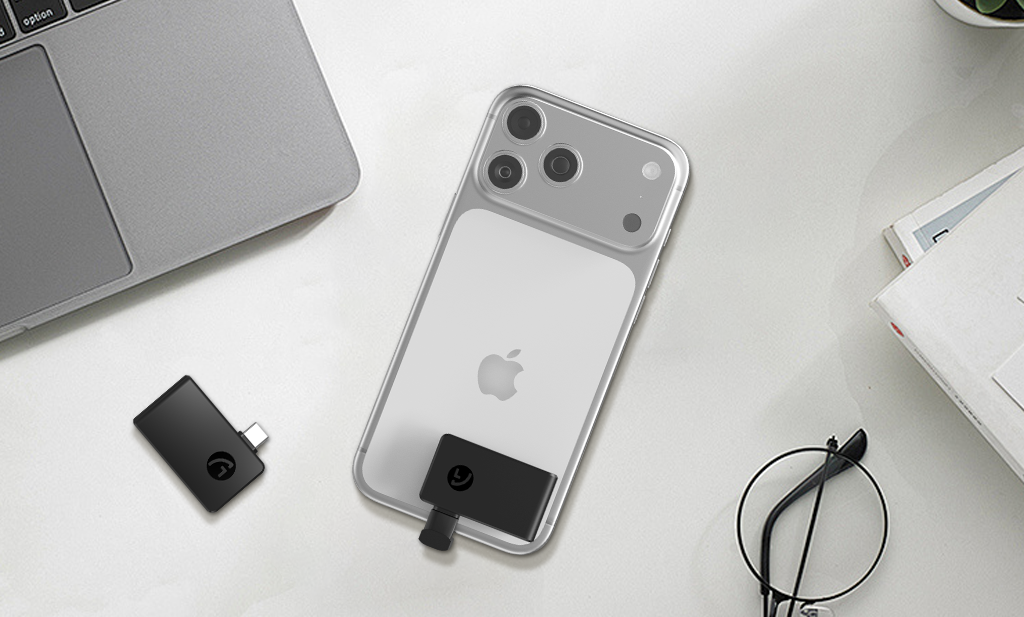
Why SSD Size Deserves Attention
For modern digital workflows, whether you’re a photographer, traveler, creator, or everyday user, picking the right SSD size can make a way bigger difference than you think. SSD size isn’t just about how many gigabytes you get; it also shapes how you work, how portable you are, and how smooth your storage setup feels. We’re breaking down what SSD size actually means, why it matters, and how to choose the right one, so you’re all set for everything from RAW photo editing to mobile 4K video capture.
As you dive in, you might also want to check out the Aiffro P20 Mini SSD: our compact, creator-friendly drive designed specifically for people on the move.
The Two Meanings of SSD Size
When people talk about SSD size, it’s good to know there are actually two different dimensions going on: capacity (how much data it holds) and physical/format size (how it fits and connects). Both impact usability, performance, and workflow flexibility.
Storage Capacity Explained
Capacity is simply the number of gigabytes (GB) or terabytes (TB) the SSD provides. Typical drives might range from 256 GB up to 4 TB or more. Here’s a quick breakdown:
- 256 GB – Enough for everyday documents, moderate photo collections, light backups.
- 512 GB to 1 TB – Good for serious photographer workflows: some RAW files, editing sessions, full-day travel shoots.
- 2 TB and up – Ideal for heavy creators: large video libraries, multi-device backups, 4K/6K footage, mobile filmmakers.
- When you choose capacity, think about:
- how much data you generate
- how many versions/backups you keep
- how long you plan to work without offloading or archiving
Form Factors and Portability
The other size refers to the SSD’s physical shape and interface of the SSD. It could be a 2.5″ drive (desktop/laptop style), an M.2/NVMe internal module, or a portable external SSD with USB-C, Lightning, etc. Each has its pros and cons:
- 2.5″ SATA external SSDs: Larger size, a bit slower than NVMe drives, but often cheaper per GB.
- M.2/NVMe internal drives: Super fast, small enough to fit inside a PC or laptop, but less portable and often for internal installs.
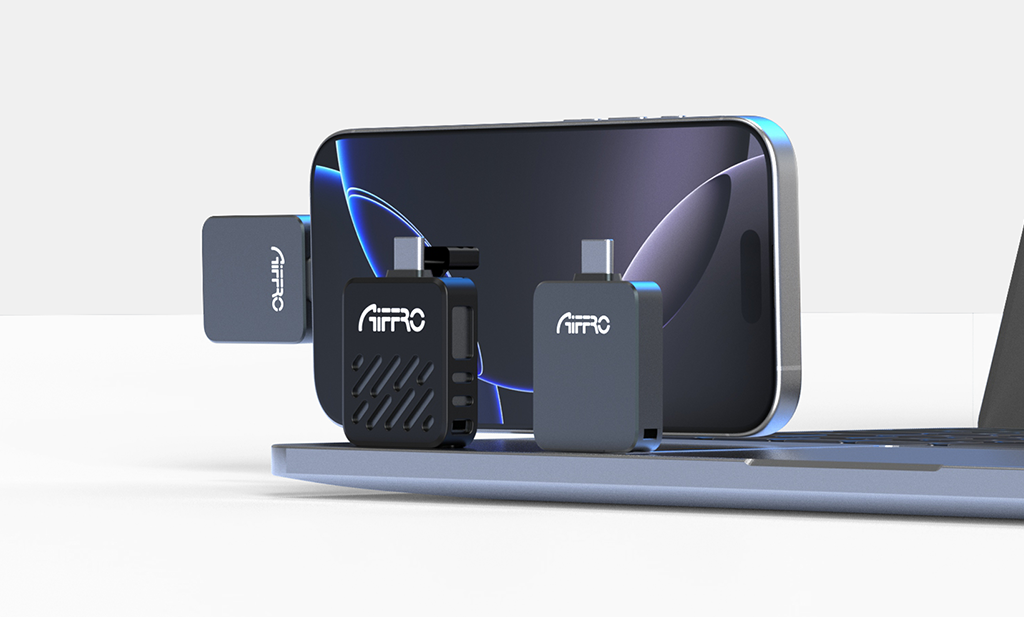
- Portable external SSDs: compact, durable options with USB-C/Thunderbolt/Lightning, great for mobile creators. For example, the Aiffro P20 Mini SSD offers dual Lightning & USB-C connectivity.
In short: consider both how much data you’ll hold and how/where you’ll use the drive.
How SSD Size Influences Performance
SSDs aren’t just for storing stuff, their size affects how smoothly your system runs when working large files, such as RAW photos, timelapse sequences, or 4K video. A larger-capacity drive often means more NAND chips, better performance headroom, and possibly even longer lifespan.
For creators, speed matters: transfer large image sets, scrub through footage, open multiple files at once, and keep your workflow agile. External SDDs with plenty of capacity allow you to stage edits, build proxies, store asset libraries, and move between devices without slowdowns. Also, choosing a physical size (form factor) you can easily carry means you won’t be stuck at a desk, so valuable when you’re on location.
In conclusion: picking the right size often means you’ll experience fewer lags, safer backups, and a workflow that keeps pace with your creativity.
Choosing the Right SSD Size for Your Needs
Now let’s get practical by matching SSD size to your specific workflow: photographers, travelers, mobile filmmakers, and everyday users.
For Photography Workflows
If you’re a photographer shooting RAW images in the field and editing on your laptop: aim for something in the 1 TB range if you’re working on-site for a few days. If you travel a lot or keep extensive archives on the go, 2 TB may be a wiser choice. Consider:
- How many RAW files do you shoot per day?
- Will you edit directly from the SSD or off-load first?
- Do you need immediate backups or just a staging drive?
In many cases, a compact portable SSD with good connectors is more beneficial than maxing out capacity.
For Video Creators and Mobile Filmmakers
If you’re capturing 4K/6K footage, shooting timelapses, or editing on the go, you’ll want both high capacity and fast form factor. For example:
- A 2TB portable SSD gives you room for footage, proxies, multi-format exports.
- Ensure your drive supports high sustained write speeds so you don’t get bottlenecked during capture or editing.
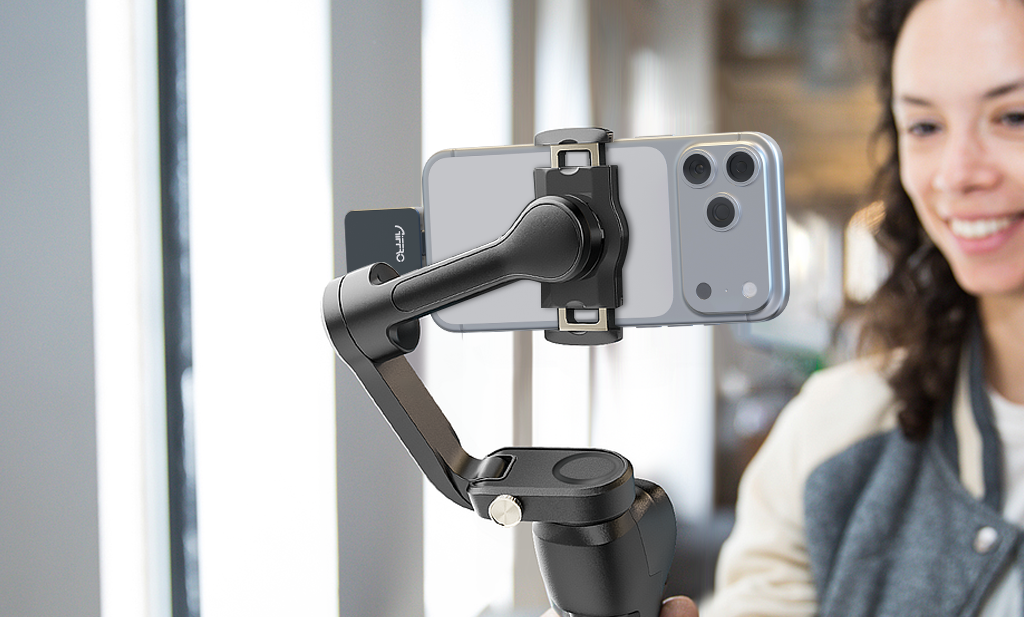
If you’re mobile (camera bag, drone rig, travel workflow), portability and universal connectivity (USB-C + Lightning for iPhone users) make a huge difference.
Aiffro P20 Mini SSD: Balance Portability and Capacity
Designed for creators, travelers, and everyday users, Aiffro P20 Mini SSD brings together compact form, dual-interface connectivity and high speed, all wrapped into one scalable solution. It offers: dual Lightning & USB-C connectivity, sequential transfer speeds up to 1000 MB/s, and capacity options of 512 GB / 1 TB / 2 TB.
For users juggling phones, tablets, laptops, camera rigs and travel scenarios, that means you don’t need separate drives for each device; it’s designed to plug into whatever you have. So, if you are into this product, learn more at Aiffro.com.
Because the P20 measures just 32×48×5 mm and weighs around 14 g, it slips easily into a camera pouch or travel bag. If you’re a photographer editing RAW on location, a traveler backing up photo libraries, or mobile filmmaker offloading 4K footage, the P20 Mini SSD gives you a compelling balance: enough capacity for serious work + portability for real world flexibility. And since it encourages storing less and moving faster, it aligns perfectly with Aiffro’s brand philosophy of portable, secure, and creator-friendly storage.
Conclusion
Understanding SSD size with both capacity and form factor is key for making informed storage decisions that match your workflow. Whether you’re editing travel photos, capturing high-res video, or working across multiple devices, the right size matters for performance, portability and peace of mind.
The Aiffro P20 Mini SSD offers a smart solution by combining compactness, dual interface support and high speed in one package, especially useful for photographers, creators and everyday users who move a lot and need storage that keeps up.
When you next evaluate your external storage, ask yourself: How much data will I manage? How often will I move it? And how portable do I need the drive to be? The right answers will help you pick the SSD size that truly works.

Laisser un commentaire
Ce site est protégé par hCaptcha, et la Politique de confidentialité et les Conditions de service de hCaptcha s’appliquent.