

Nowadays, the typical office worker carries a standard set of devices: a primary iPhone or Android phone, a Windows laptop for spreadsheets, and an iPad for meetings. While this setup covers all the bases, one persistent issue remains: the hassle of moving data back and forth between these devices.
Connecting an iPhone to a Windows PC often triggers annoying "Trust this computer?" pop-ups; transferring a video from an Android phone to a colleague via WeChat results in blurry, compressed quality; and copying photos from an older iPad to a hard drive requires digging through your bag for the right adapter. Ultimately, the problem isn't a lack of technology, but the fact that interface standards and operating systems operate in silos—costing you time and patience.
The Aiffro P20 portable SSD was designed specifically to solve this problem.
U-Shaped Adapter: More Than an Accessory—A True Bridge
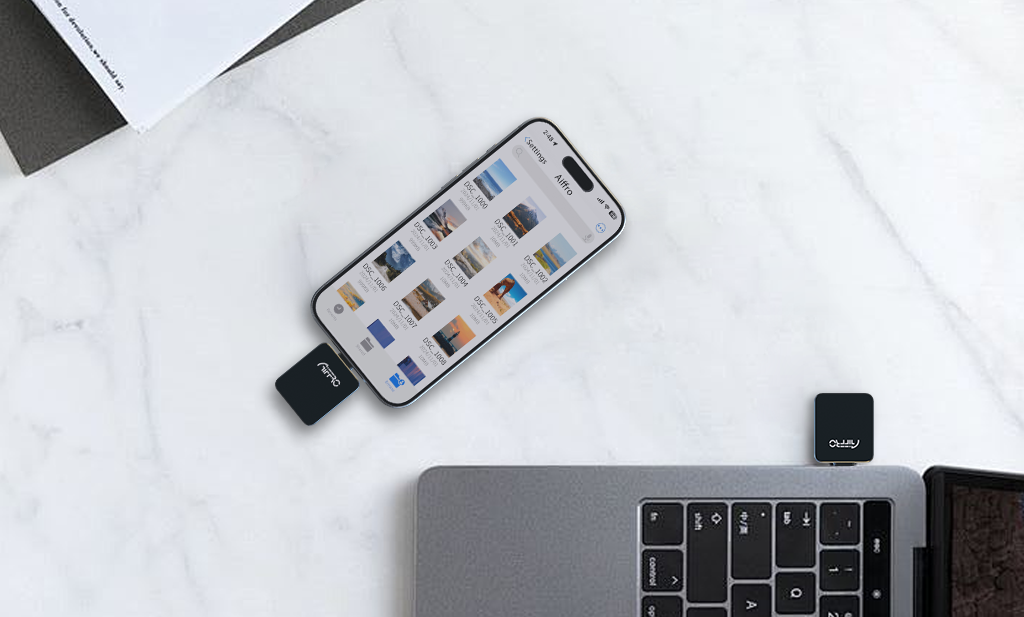
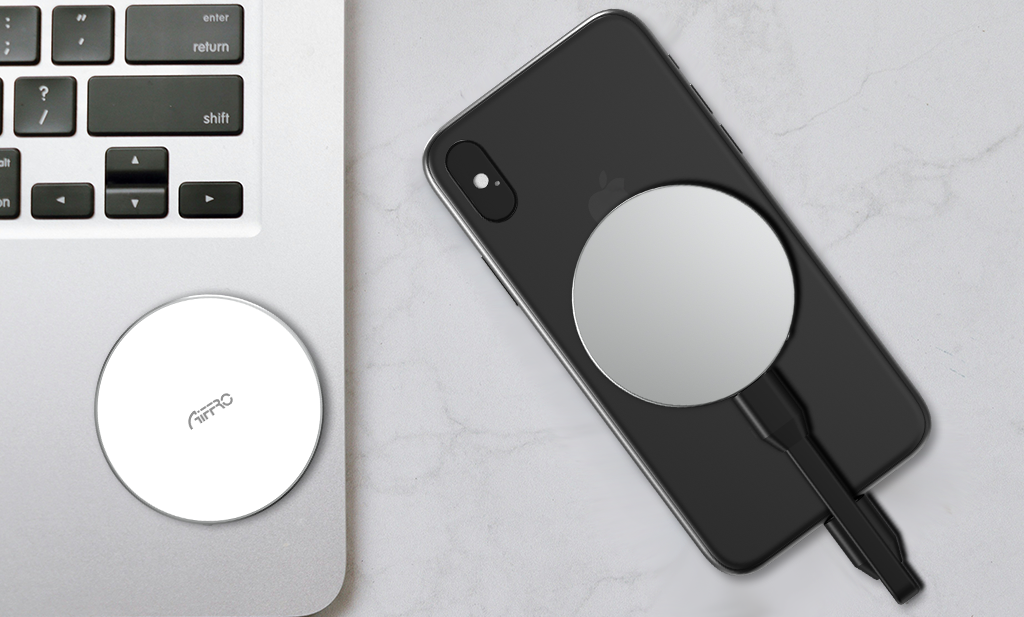
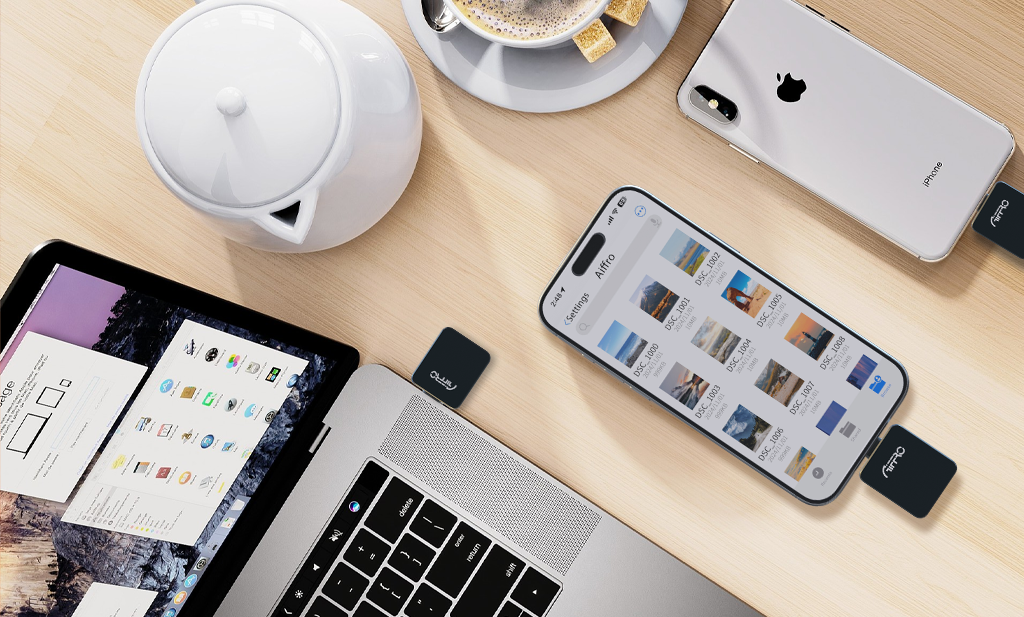
Most portable SSDs on the market feature only a single Type-C port. If you still use older Apple devices with Lightning ports—such as an older iPhone or iPad—you have to carry an extra OTG adapter, which is prone to getting lost, tangling, or suffering from poor connectivity. The P20 solves this with a built-in USB-C to Lightning U-shaped adapter. Instead of a dangling cable, the adapter snaps securely onto the drive itself, creating a solid, unified unit. This means any Lightning-equipped Apple device can connect directly to the SSD without the need for a separate adapter.
This design is incredibly practical in business settings. For instance, if you are at a client's site and suddenly need to retrieve a contract from an older iPad to send to your laptop, you can simply plug it in and go—no need to rummage through your bag for an adapter. Later, if you switch to a newer MacBook or Android tablet with a Type-C port, you simply detach the adapter and plug the drive directly into the native Type-C port. One SSD, two interfaces, and a three-second switch—you’ll never have to worry about "Where did I put that cable?" again.
SM2320 Chip: Cross-Device Transfers Without the Bottleneck
Interface compatibility is the foundation, but speed is what truly drives productivity. Many people have experienced the frustration of copying a 4K meeting recording from a phone to a computer using a standard USB flash drive, only to watch the progress bar crawl at a snail's pace. The P20 Portable SSD features the SM2320 controller chip and supports USB 3.2 Gen 2, delivering read and write speeds of up to 1000MB/s—meaning a 30GB project presentation video takes just over half a minute to transfer.
More importantly, the chip ensures stable voltage output during repeated plugging and unplugging across multiple devices, minimizing the risk of unexpected disconnections caused by insufficient power. If you frequently transfer files between an iPhone, an Android tablet, and a Windows laptop, this Portable SSD saves you from the headache of the drive suddenly dropping the connection.
OS Compatibility: No More "Plug-and-No-Response" Hassles
Compatibility goes beyond just the shape of the connector. The P20 comes pre-formatted in exFAT, making it instantly recognizable by Windows, macOS, Android, iOS/iPadOS, and Linux—no drivers or apps required. Simply plug it into any device, and the system treats it as external storage. For business professionals, the worst-case scenario is plugging in a drive and getting no response; the P20 minimizes this uncertainty.
Even more practical is its support for iPhone 15 series models (and newer): the P20 allows you to record ProRes video directly to the drive via the Type-C port. This prevents your phone's storage from filling up, effectively acting as an external storage library. If you use both an Android phone (like the Samsung S series) and a Windows tablet, it handles read/write operations seamlessly across different file systems. Even if you only have an older iPad with a Lightning port, the P20 works—the included U-shaped adapter is designed specifically for this scenario.
Lightweight and Compact: Designed to Actually Go with You
No matter how many features a device has, if it’s bulky and heavy, you’ll likely just leave it in your desk drawer. The P20 Portable SSD measures just 32×48×5mm and weighs 14 grams—lighter than a keychain. Its aluminum alloy casing offers excellent heat dissipation and stands up to the bumps and knocks of daily use. With an operating temperature range of 0–45°C and a storage temperature range of -20–85°C, your data remains safe whether the drive is left in a hot car during summer or stashed in an outdoor backpack in winter.
A 5-Year Warranty: More Than Just a Slogan—It’s Confidence in Quality
Aiffro backs the P20 with a 5-year warranty. This isn't just a marketing line; it reflects our confidence in the reliability of this portable SSD. Of course, a necessary reminder: any hard drive can encounter issues, so we recommend backing up important data to the cloud or another drive—a sensible piece of advice offered by all hardware manufacturers, and one we stand by too.
Finally: When Choosing a Drive, Look Beyond Capacity and Speed
Many people focus solely on capacity and speed when shopping for a portable drive. However, if you use a mix of Apple, Android, and Windows devices, compatibility saves more time than raw speed, and "plug-and-play" convenience reduces daily friction more than high benchmark scores do.
The Aiffro P20 Portable SSD is more than just a standard storage drive—it acts as a bridge, effortlessly moving files between devices with Lightning ports (like older iPads or iPhones) and those with Type-C ports, across iOS and Android, and between phones and computers. Whether you’re using an older iPad or a brand-new Android flagship, the P20 sits quietly at the intersection of these different interfaces, ensuring your files get exactly where they need to go.
A truly efficient workflow shouldn't be held up by a cable or a port. The Aiffro P20 Portable SSD is the little device that smooths out those hurdles for you.

Laisser un commentaire
Ce site est protégé par hCaptcha, et la Politique de confidentialité et les Conditions de service de hCaptcha s’appliquent.